
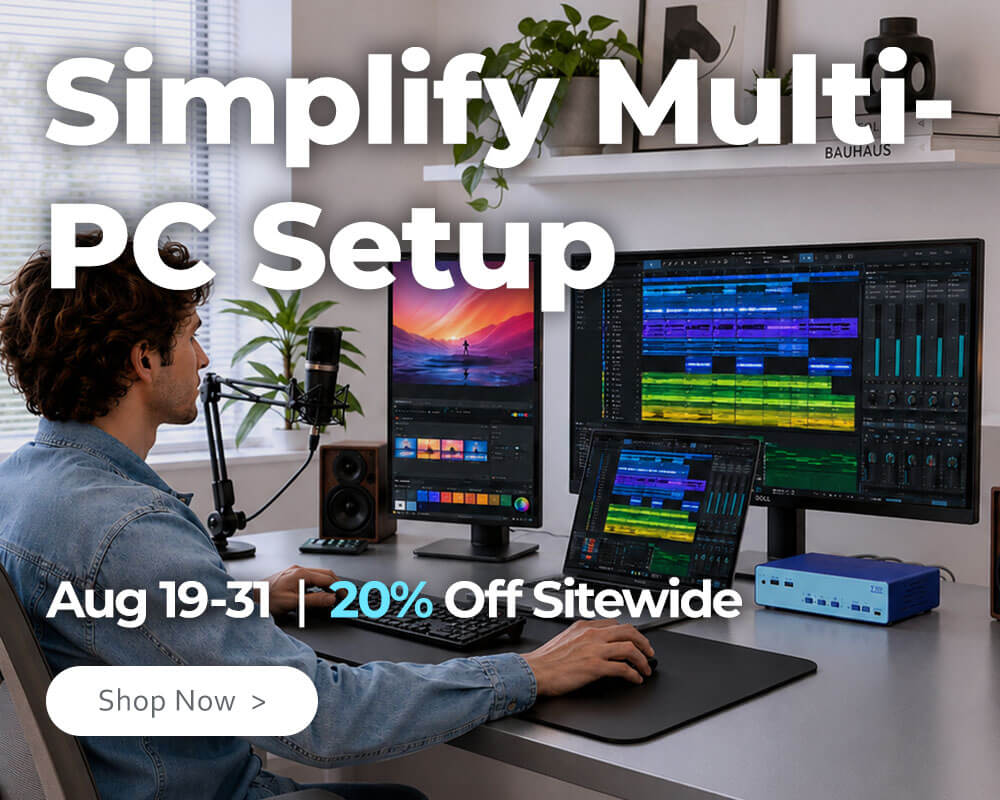


Easy, Essential, Everyday
KVM technology was meant to simplify work, but many solutions have become increasingly complex over time. Over-engineered designs, unclear positioning, and a focus on specialist use cases have made professional control harder to access than it needs to be.
TESmert takes a more practical approach. We design professional device control to be intuitive, focused, and easy to use—so it fits naturally into everyday work.
Best Sellers
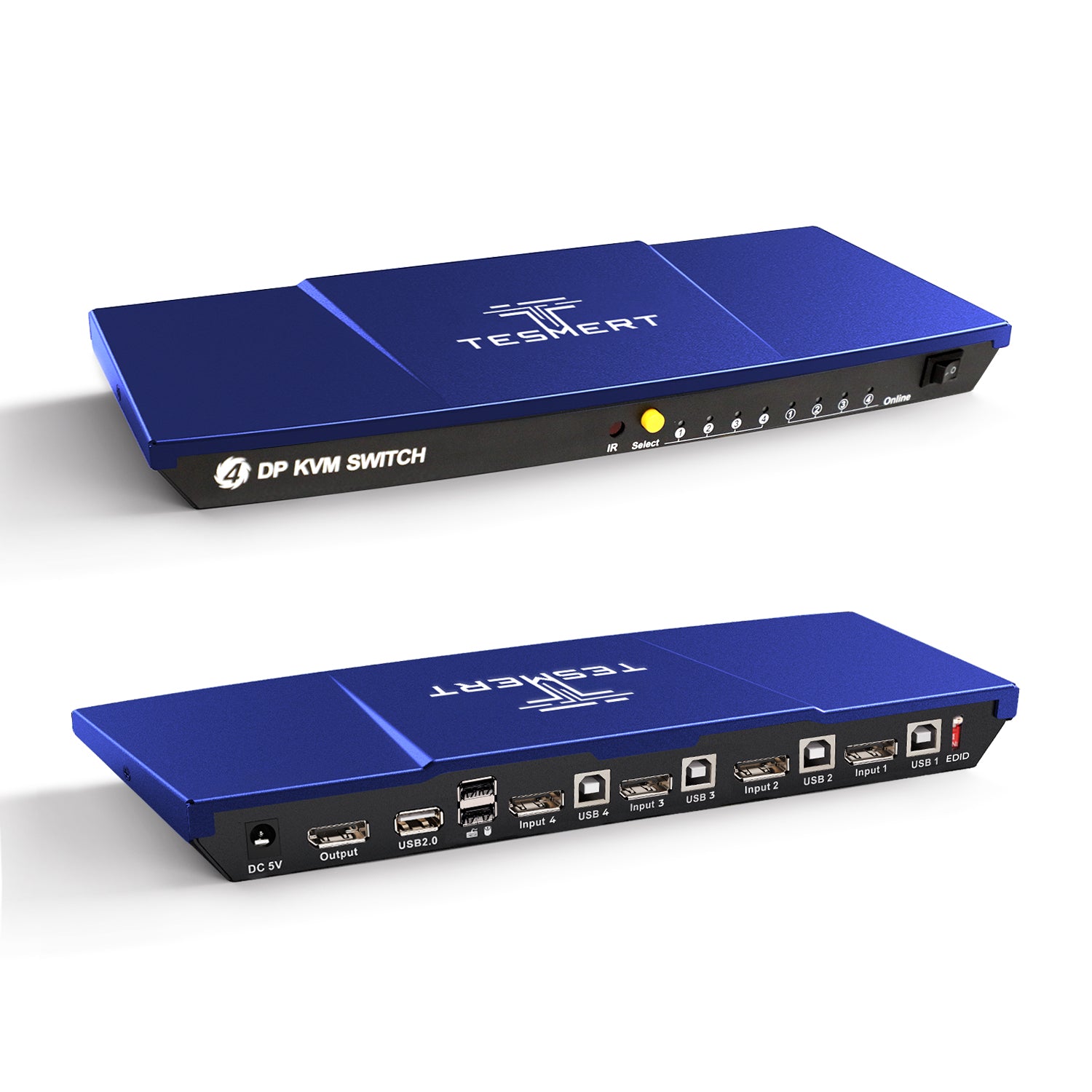
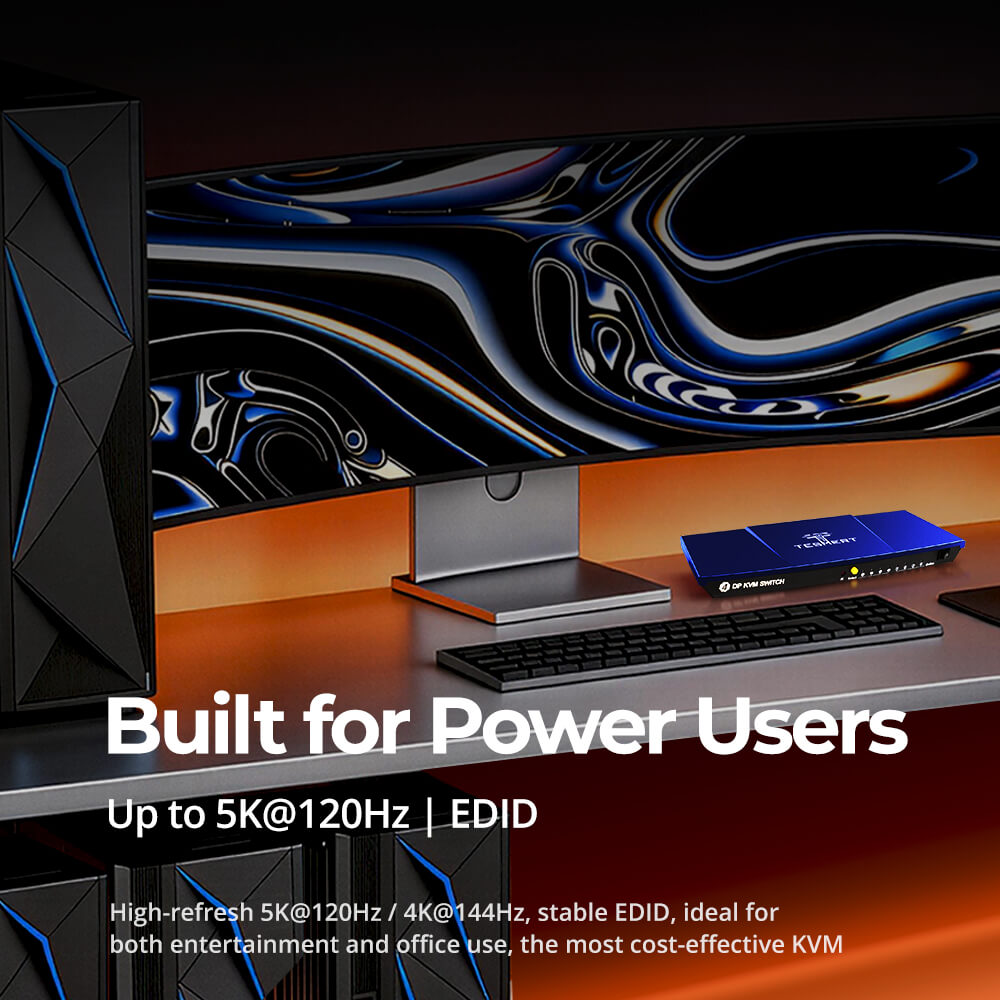
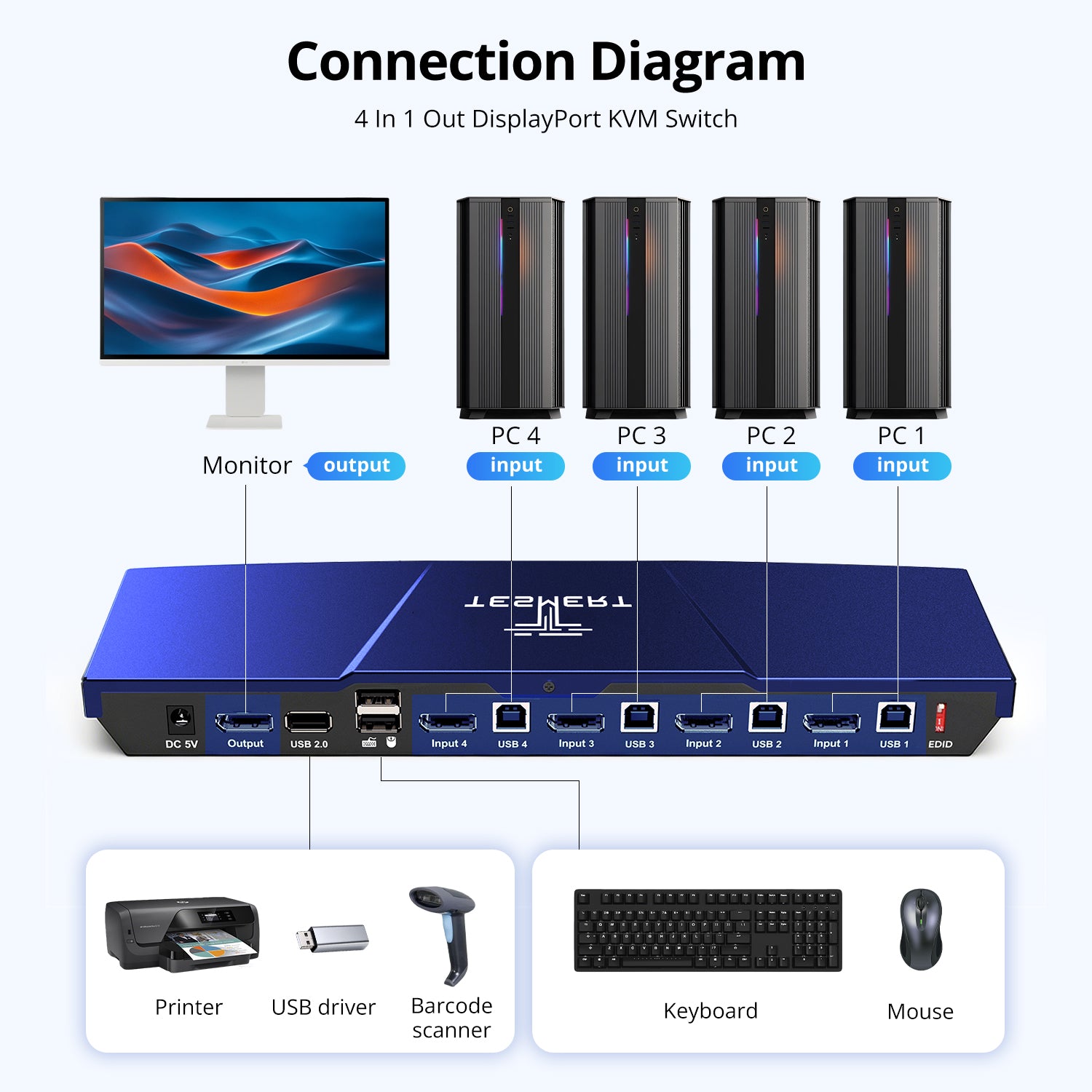
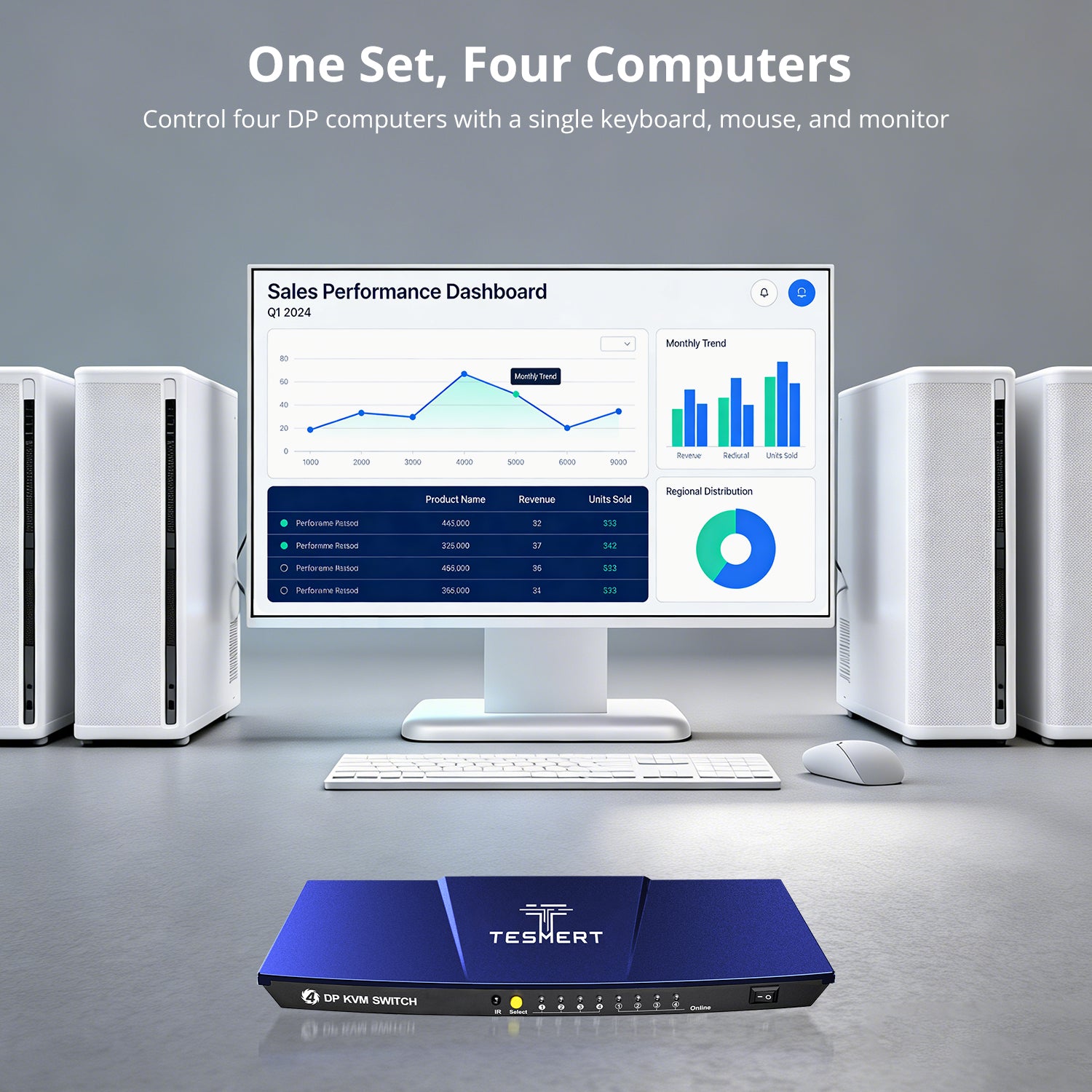
Model: T2410
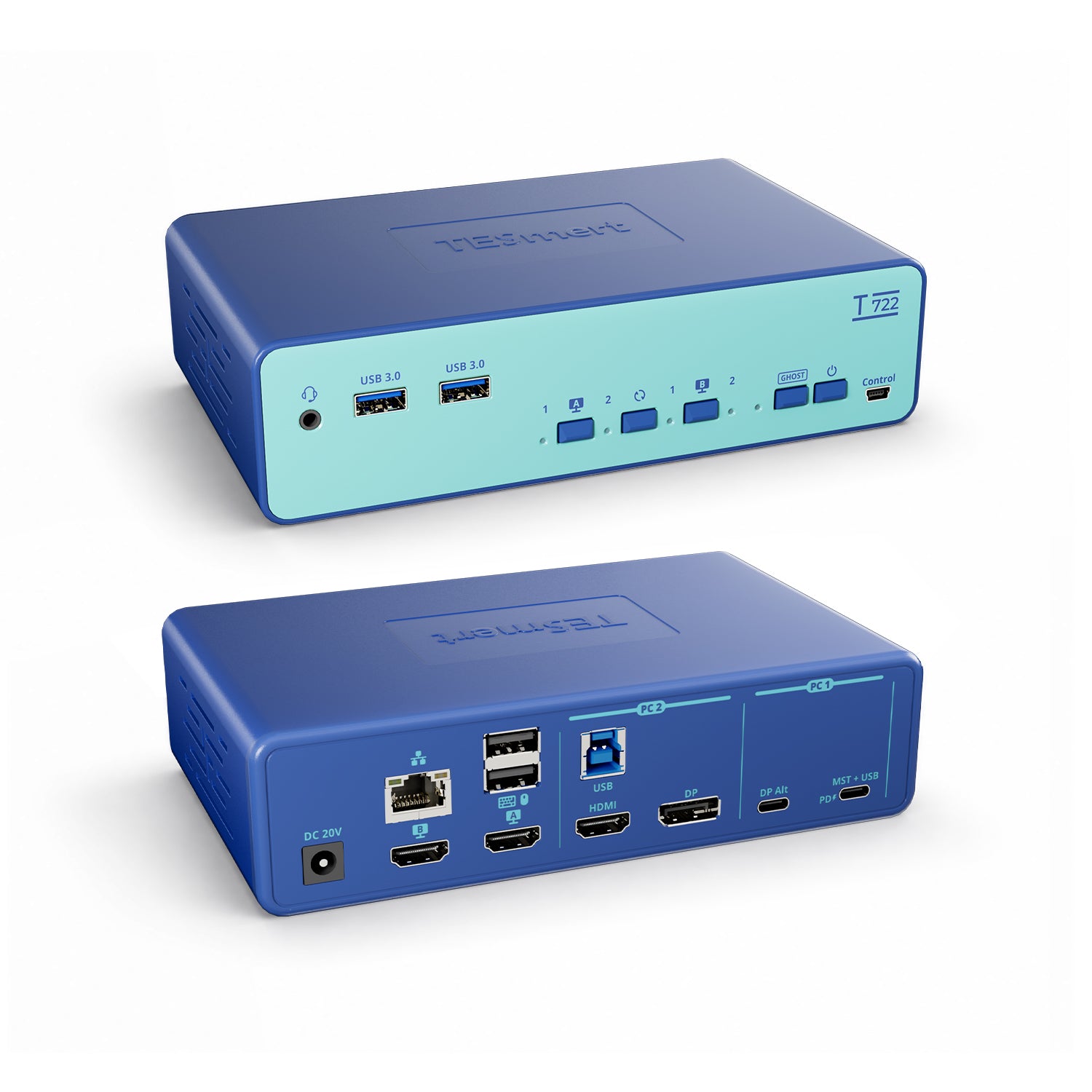
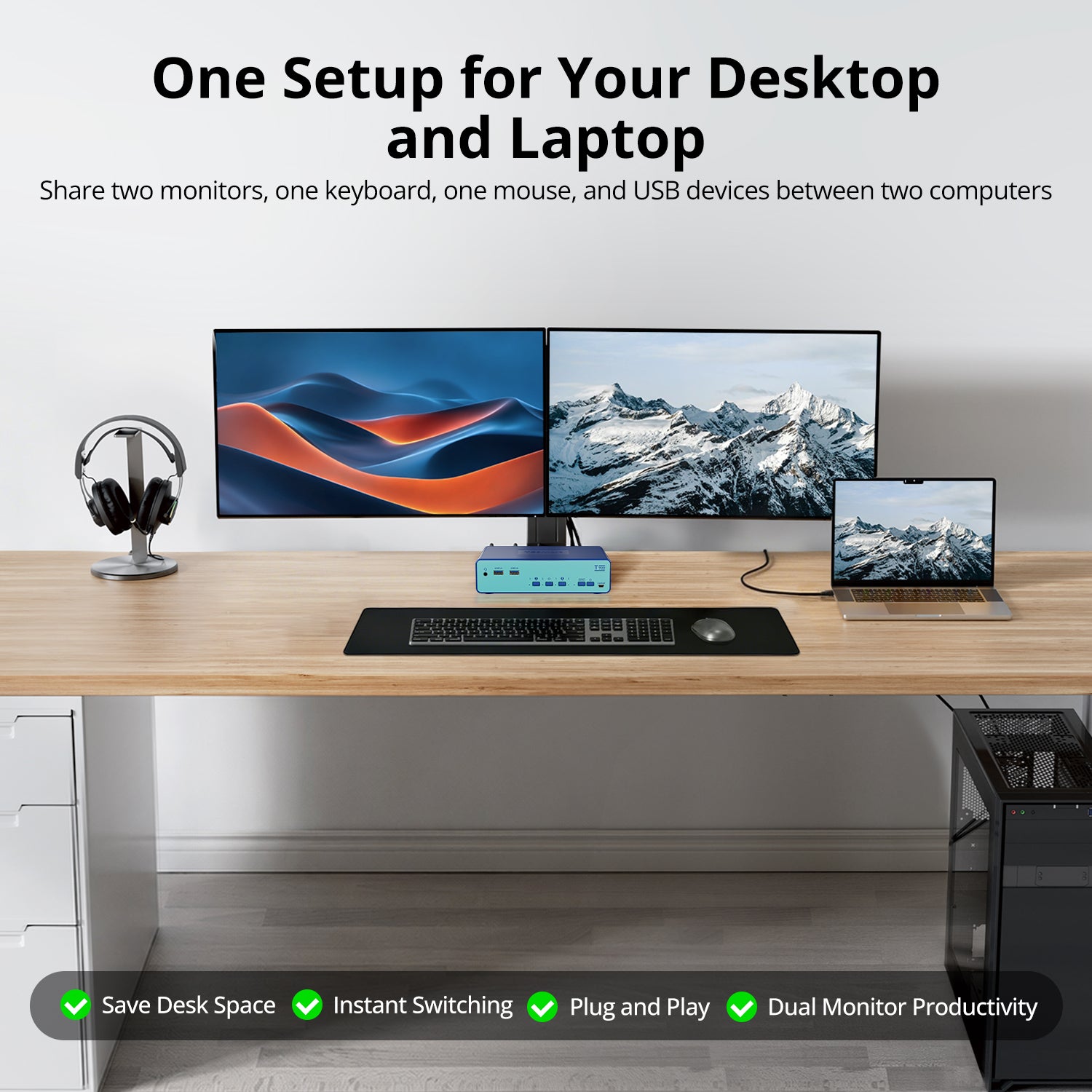
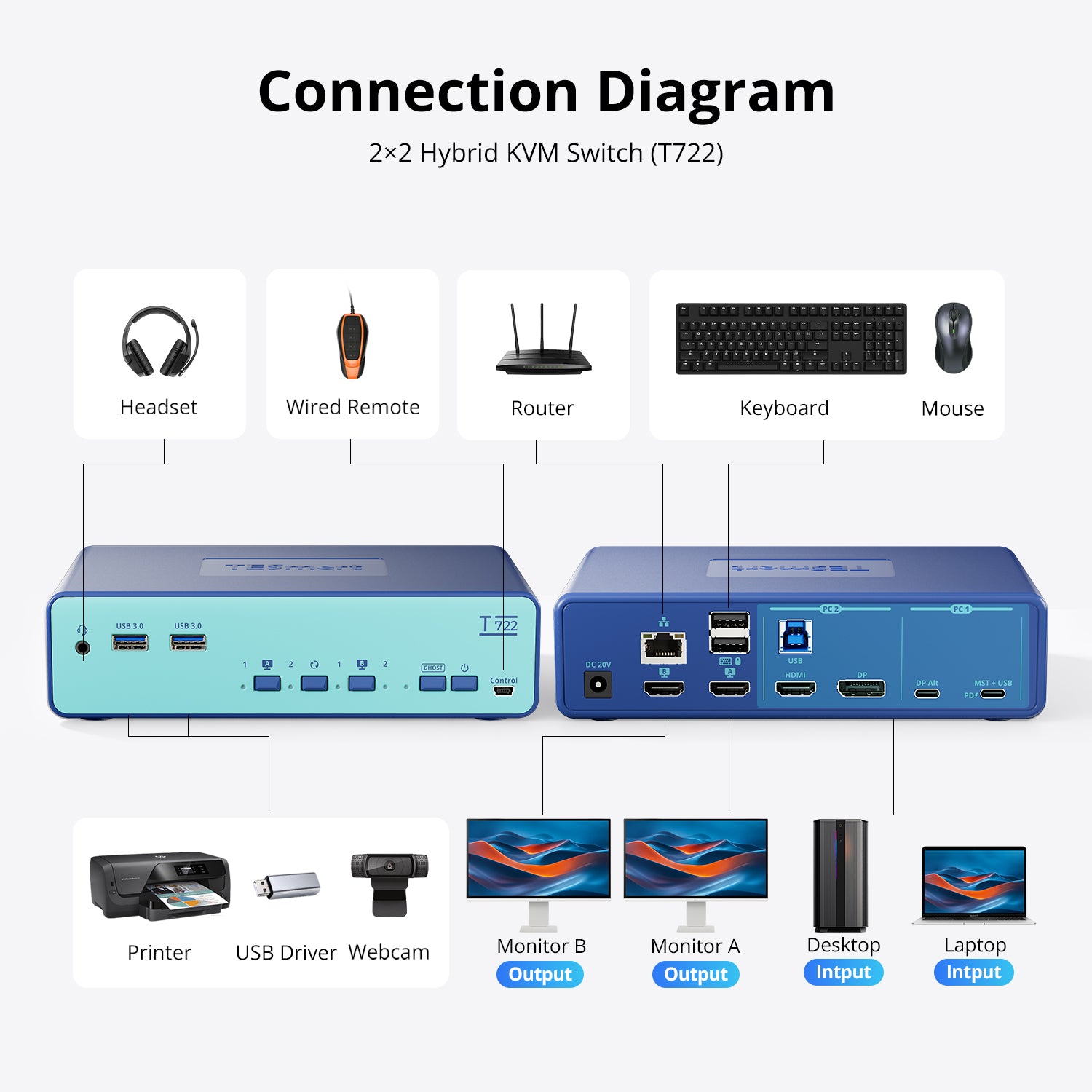
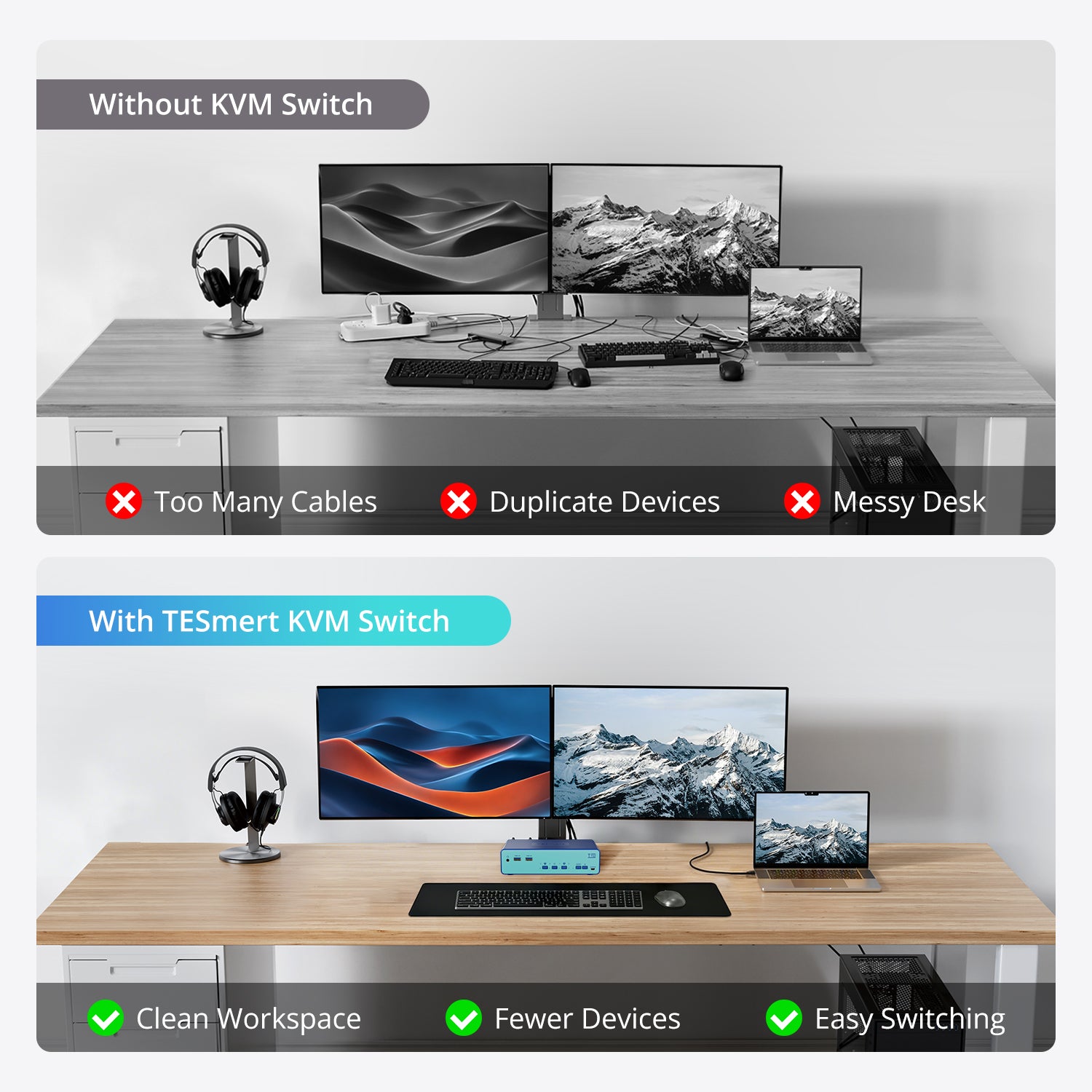
Model: T722-USCB
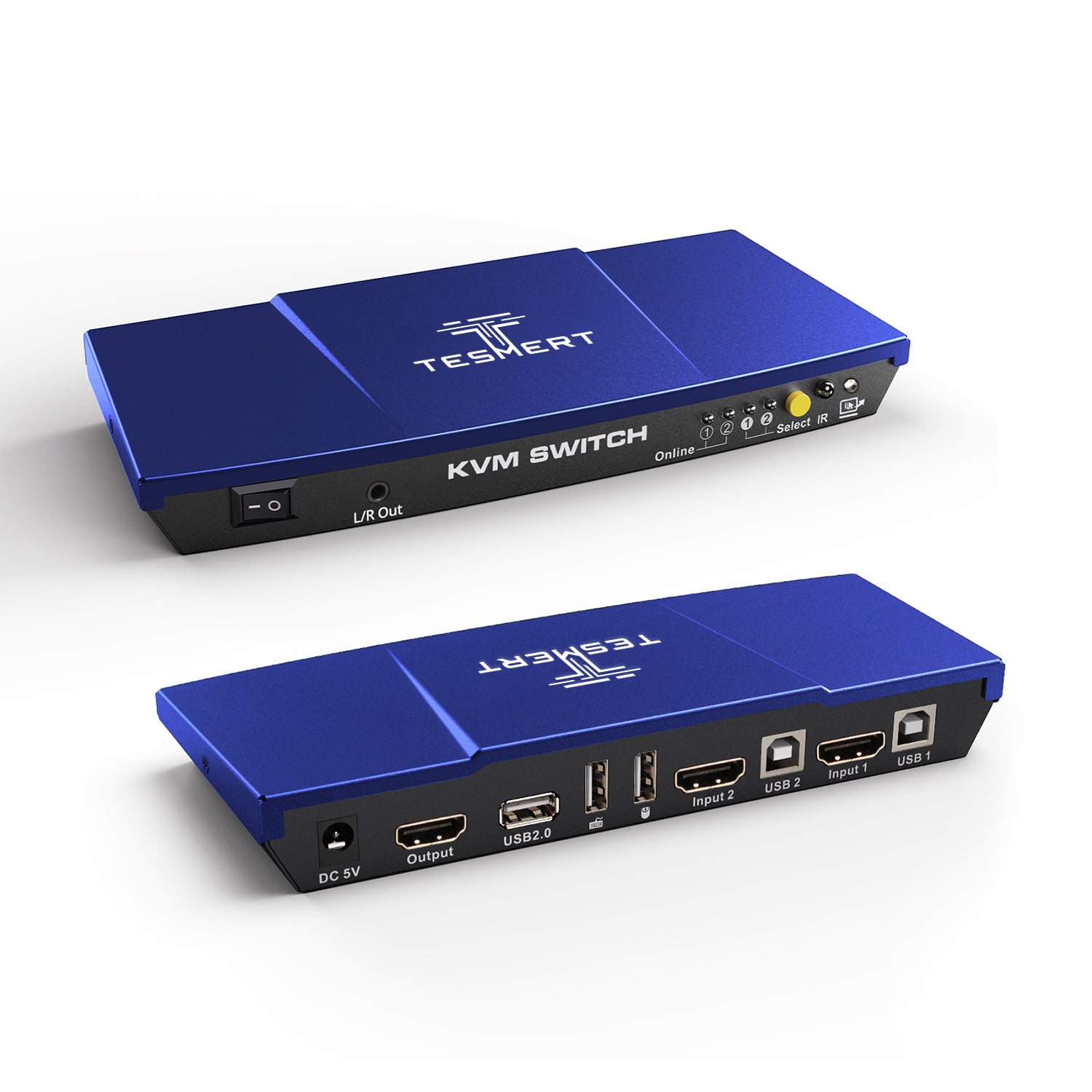
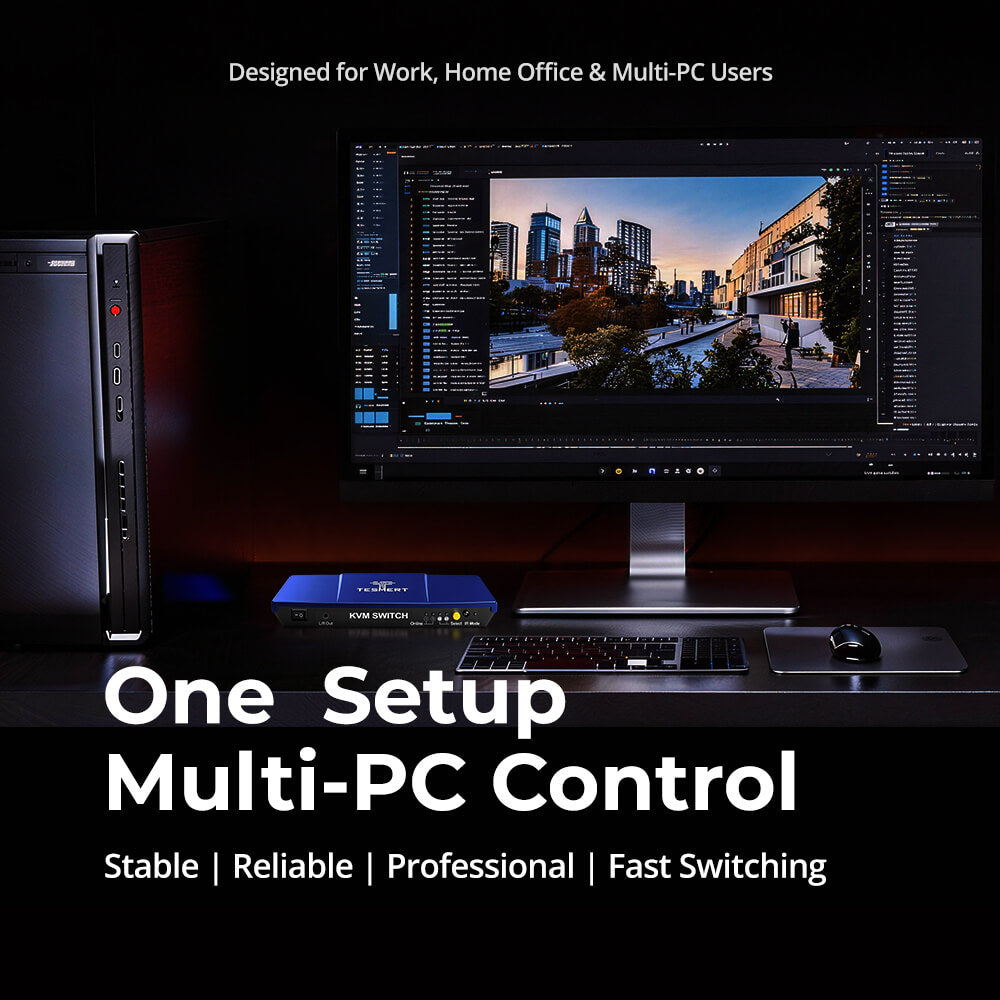
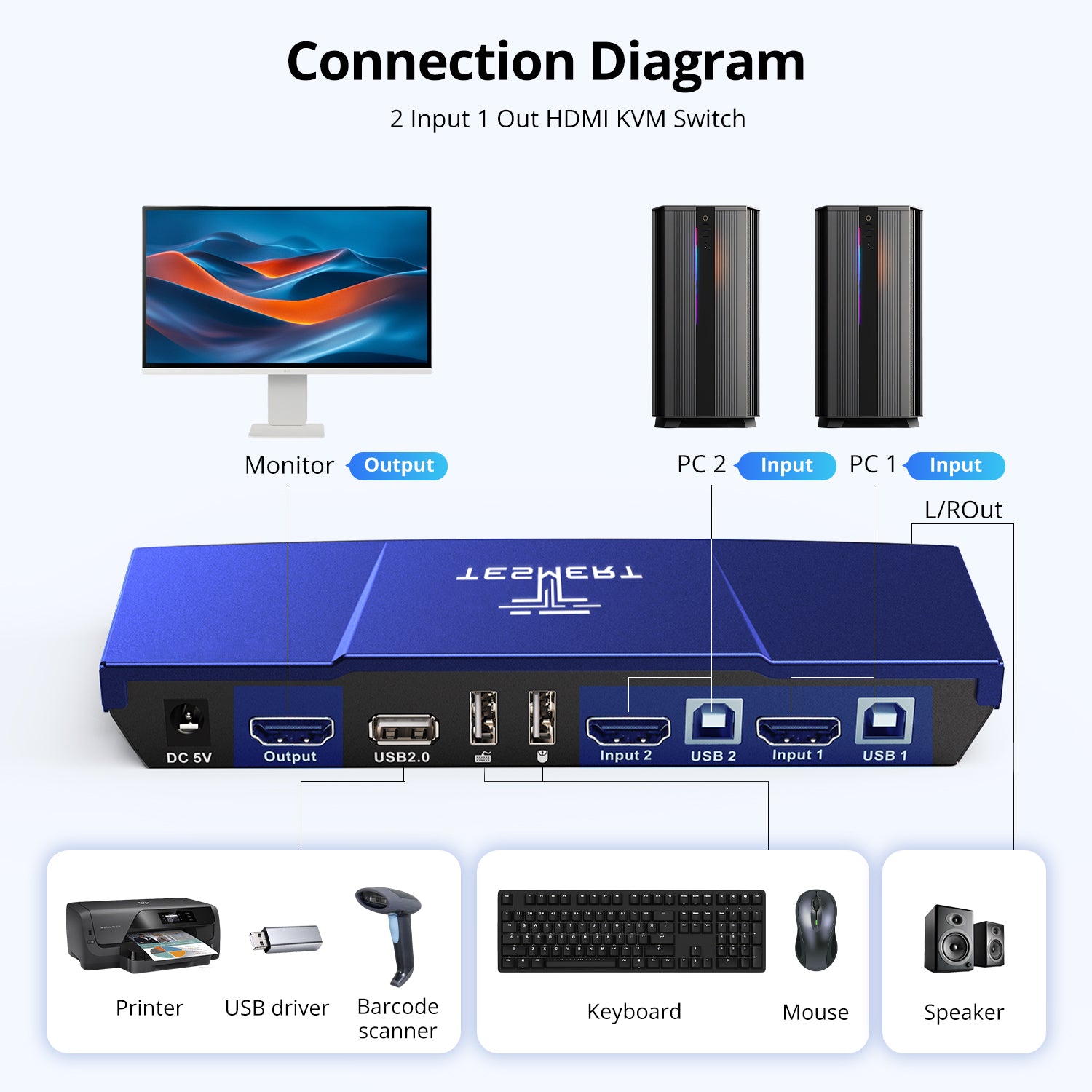
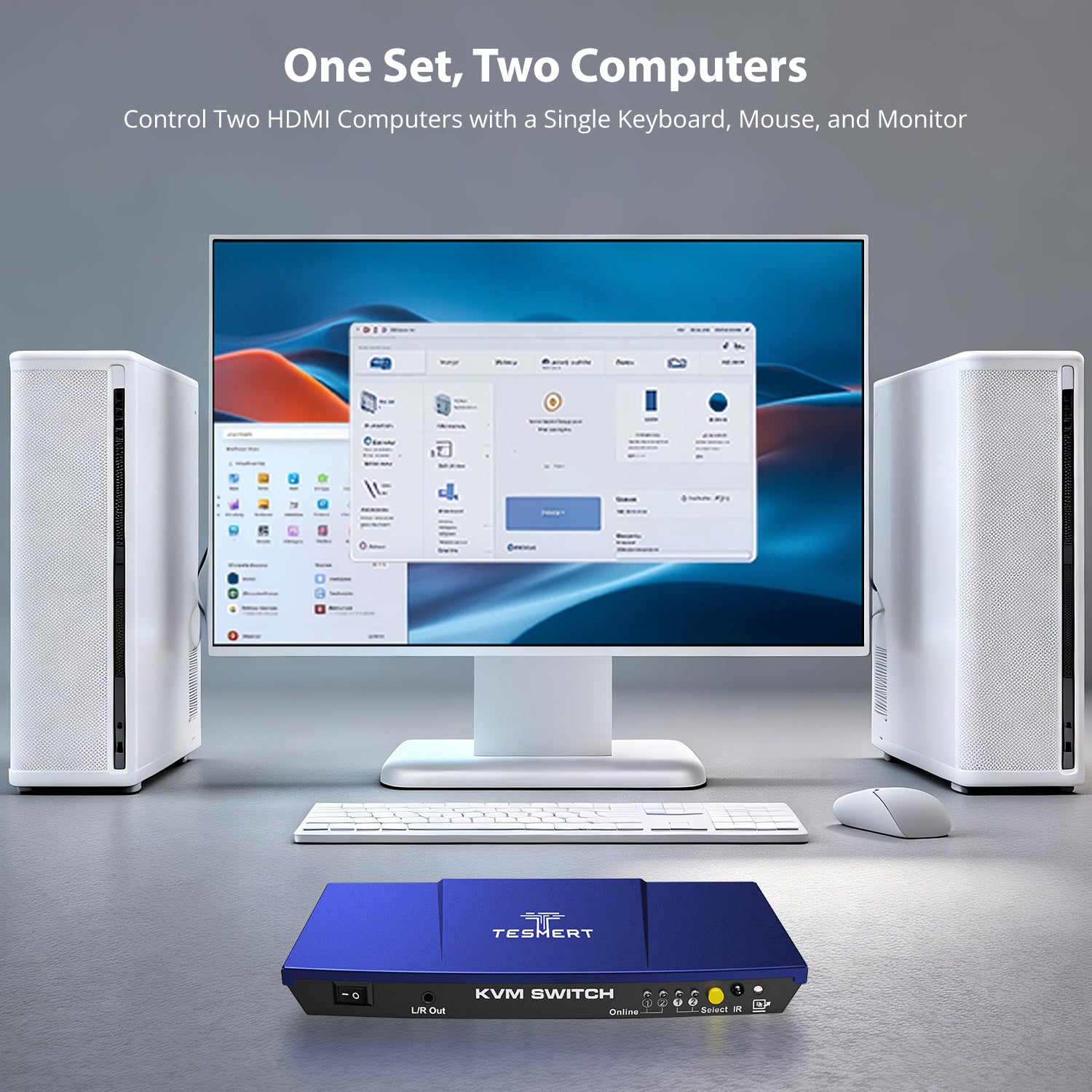
Model: T1210
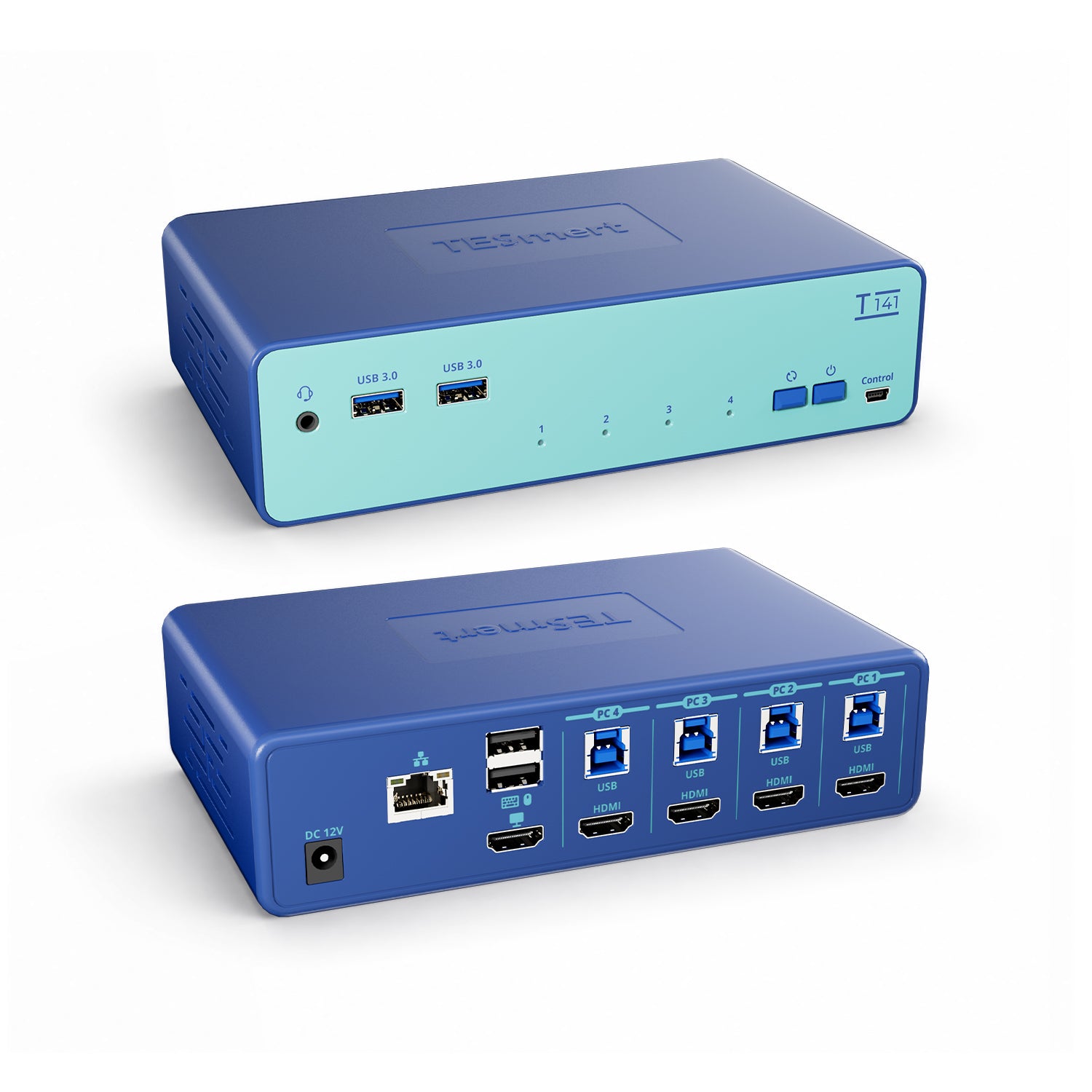
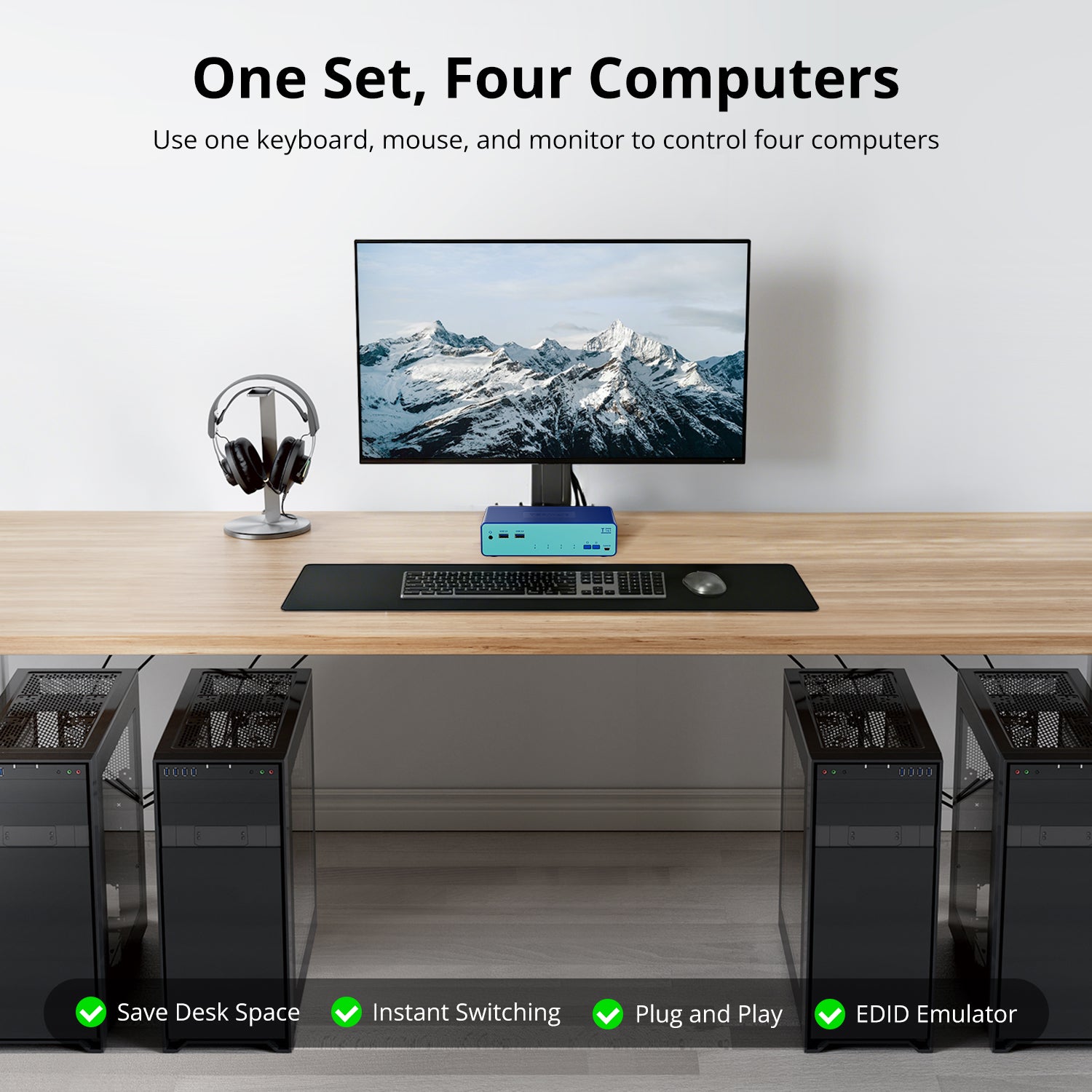
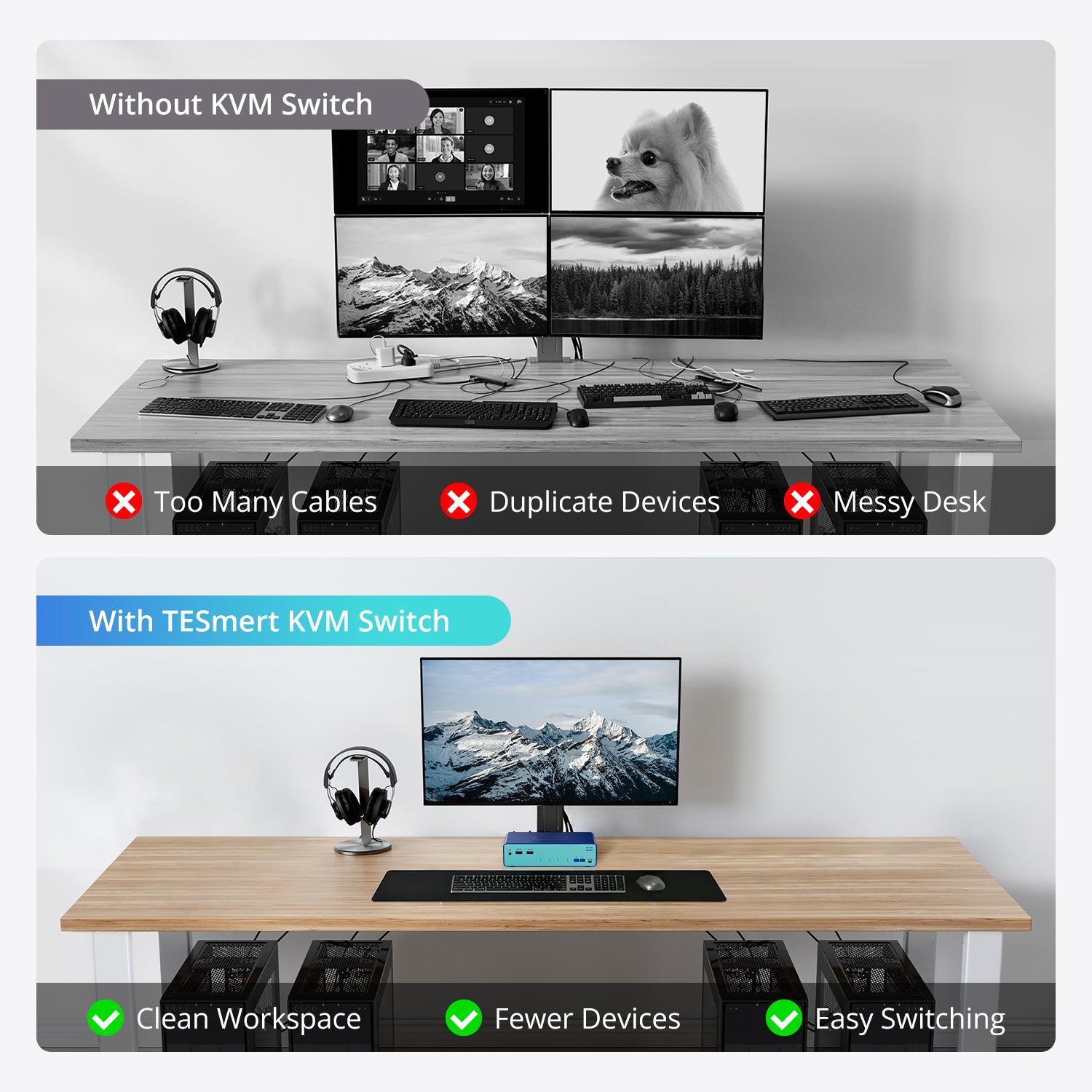
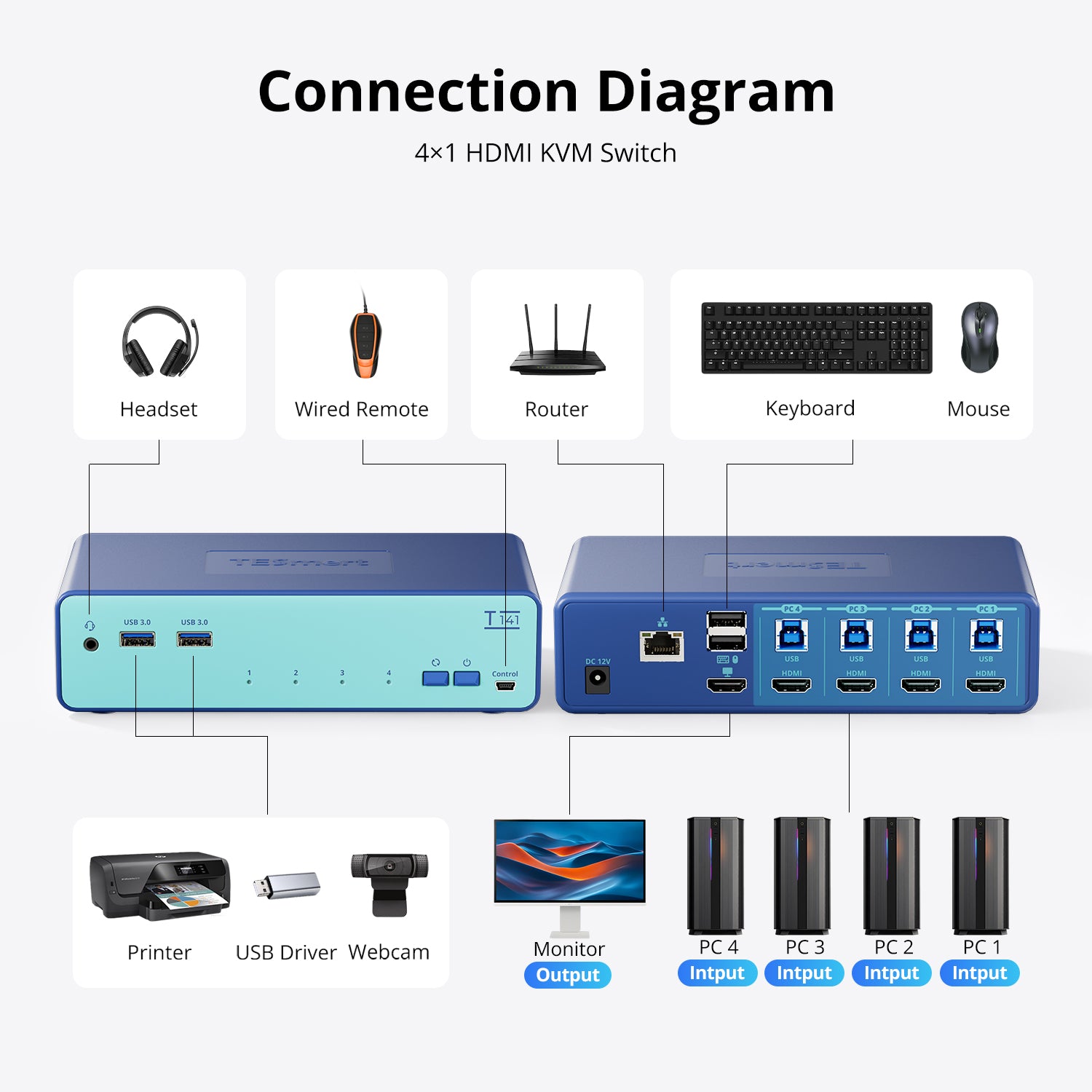
Model: T141-USCB
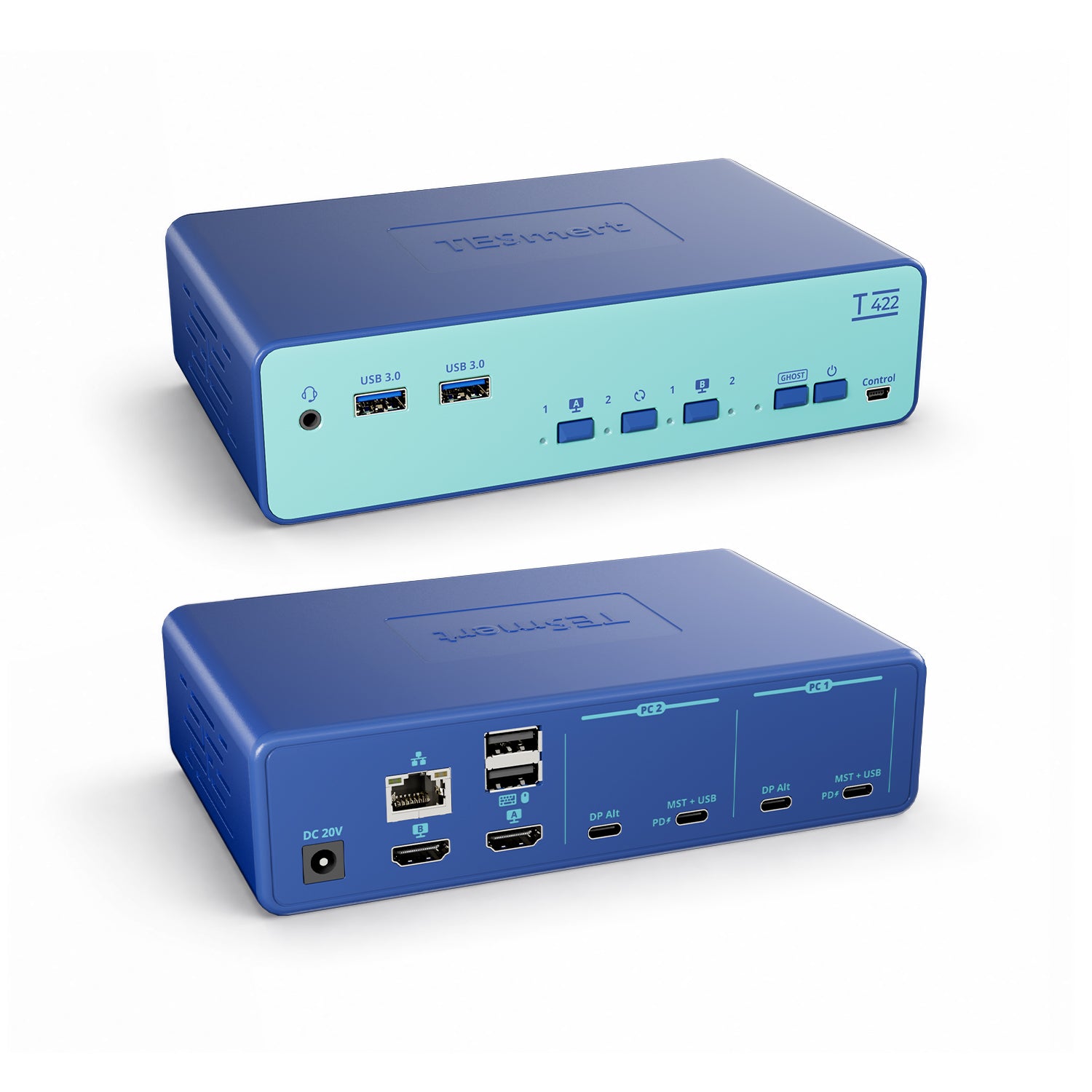
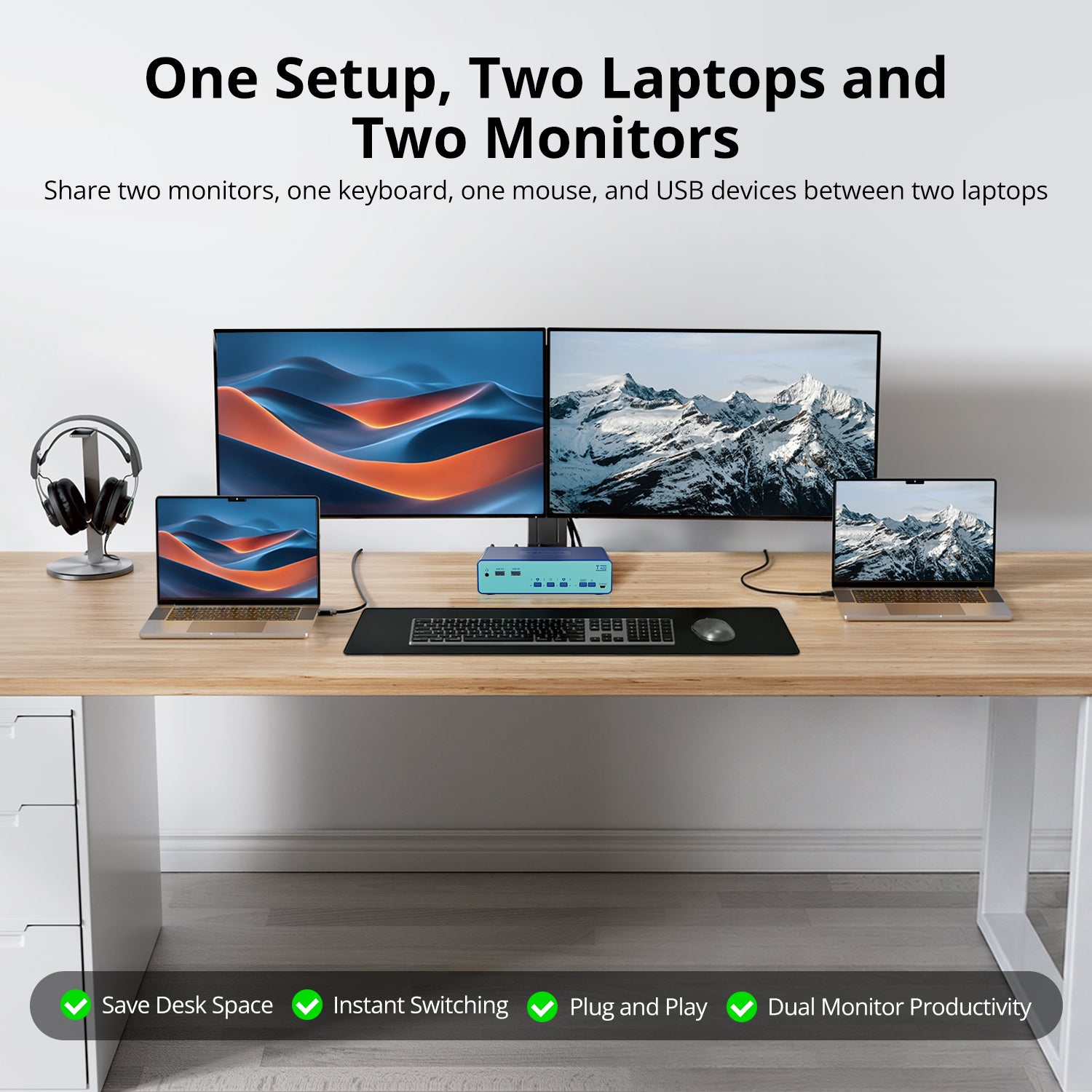
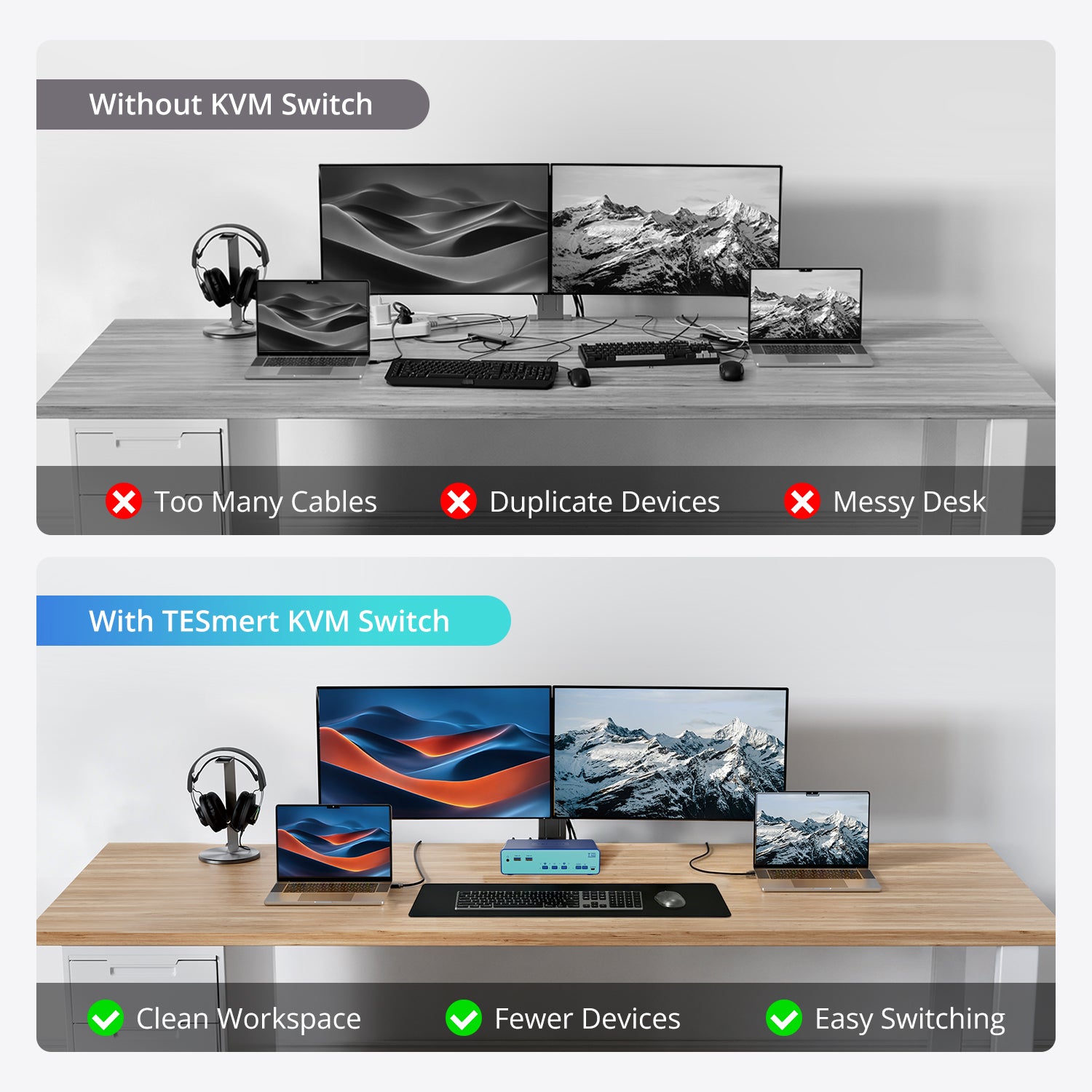
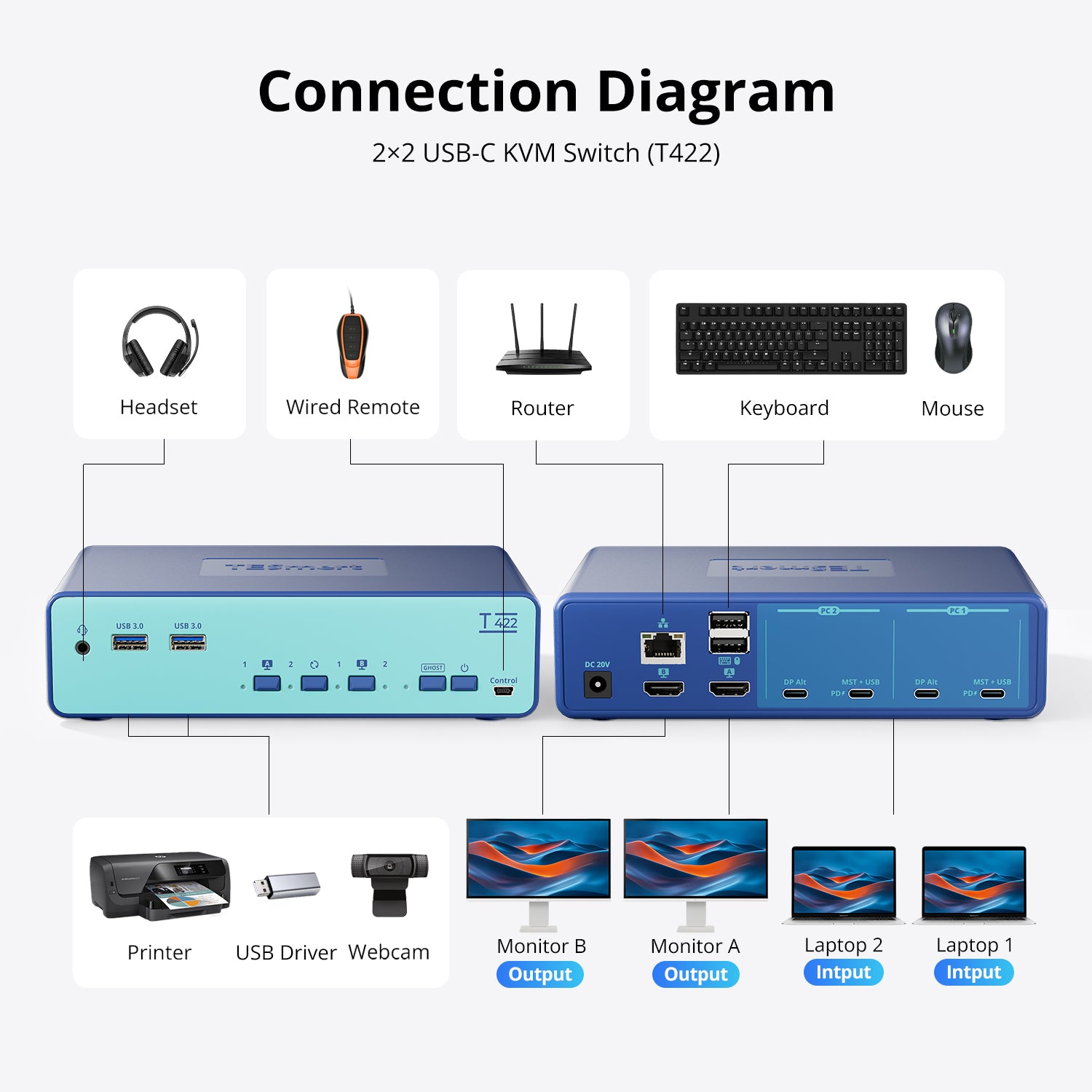
Model: T422-USCB
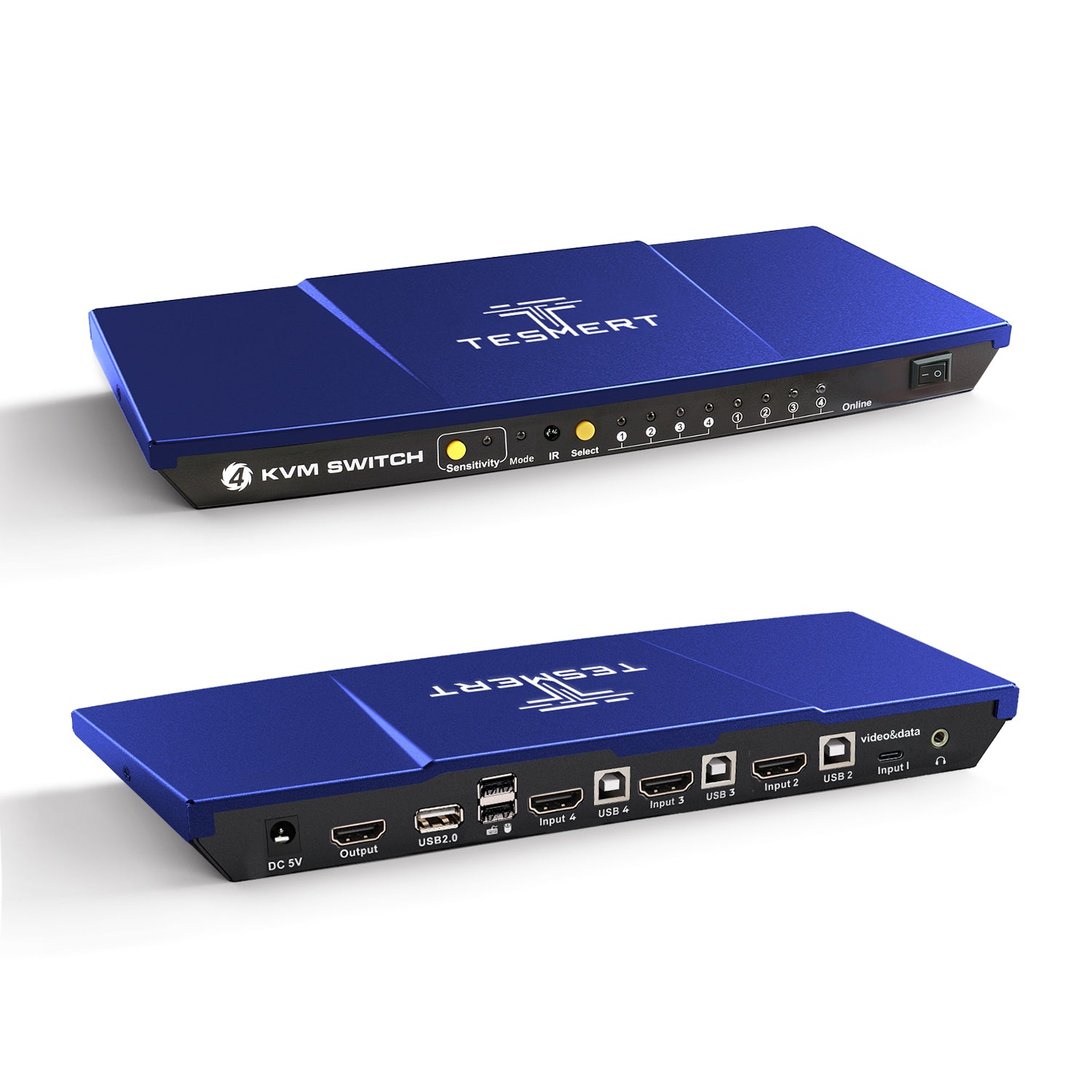
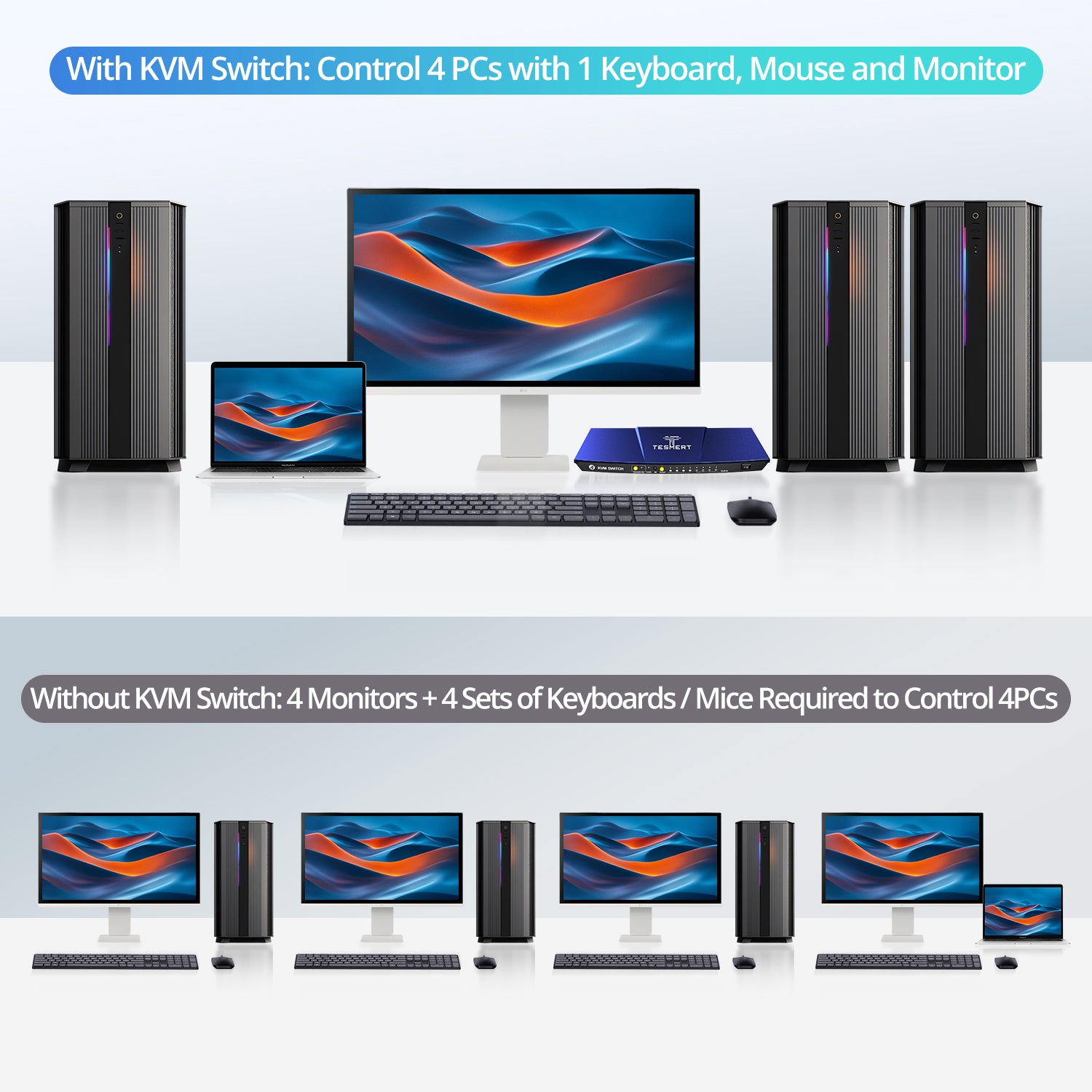
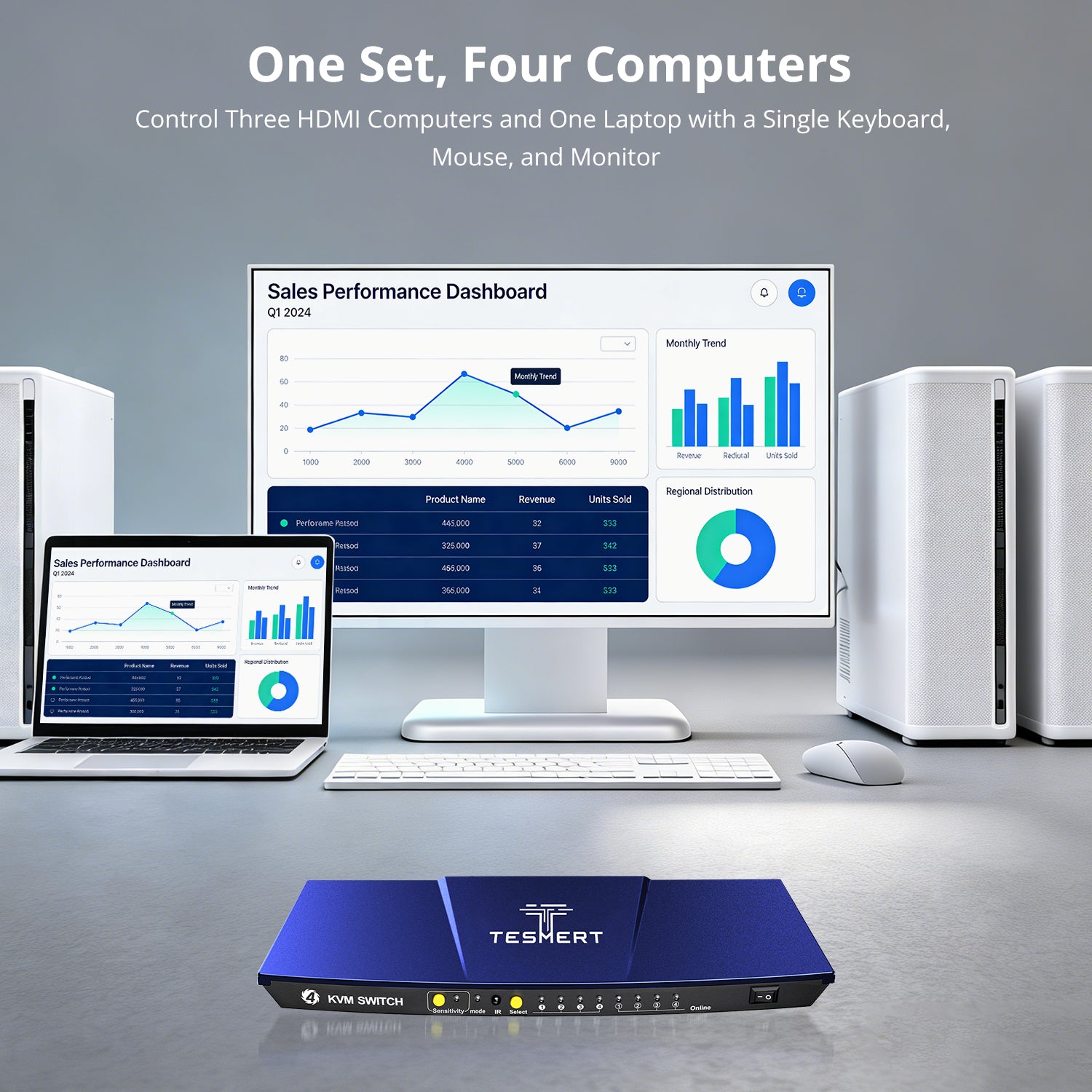
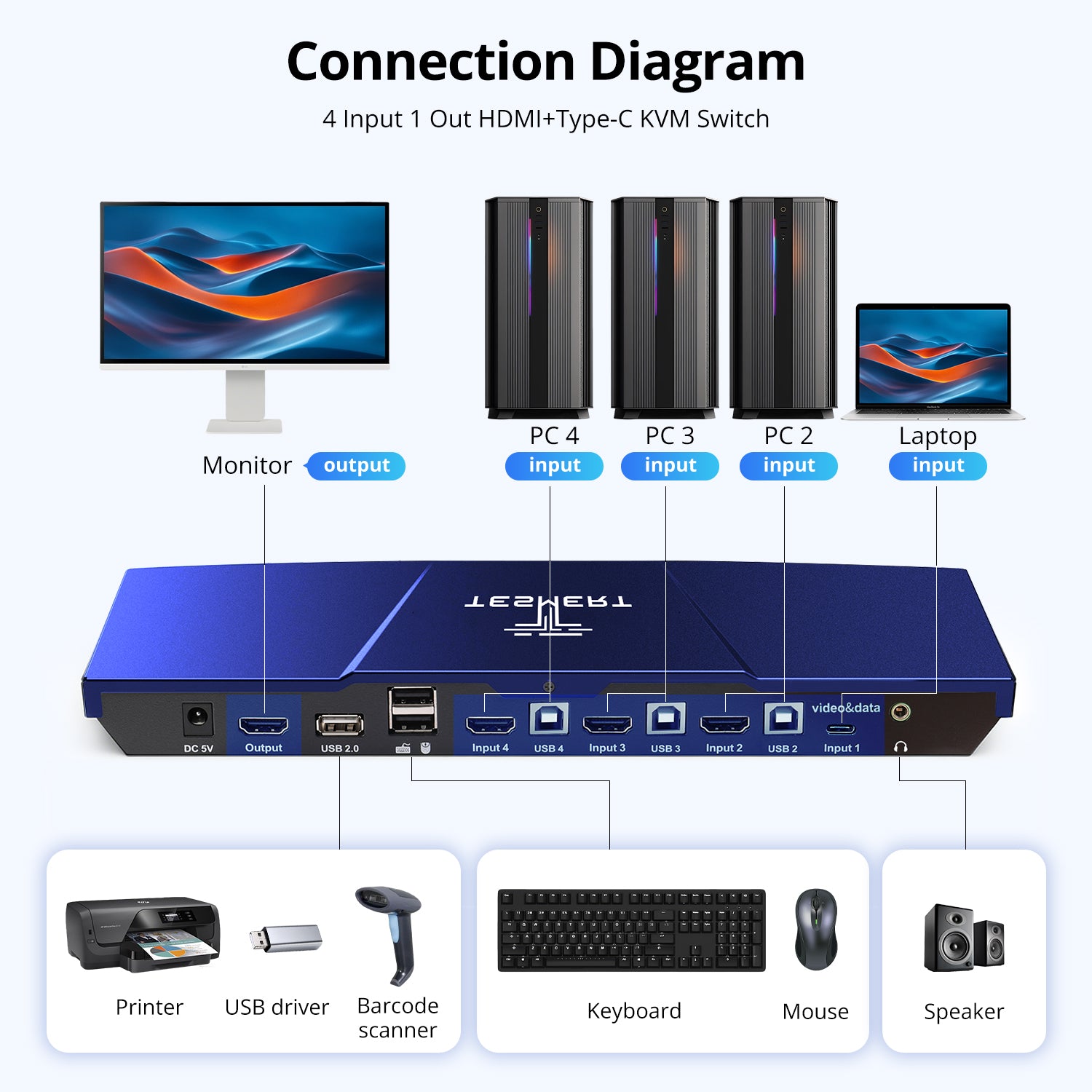
Model: T5410

KVM Switch for Graphic Designers: Managing Mac and Windows Workstations on One Desk
Read moreabout KVM Switch for Graphic Designers: Managing Mac and Windows Workstations on One Desk

- 0 commentson KVM Switch for Video Editors: Switching Between Editing Workstations Without Re-Cabling
KVM Switch for Video Editors: Switching Between Editing Workstations Without Re-Cabling

KVM Switch for Software Testing Across Windows, macOS, and Linux
Read moreabout KVM Switch for Software Testing Across Windows, macOS, and Linux